
An AI Math Tutor
That Helps You Make
Sense of Math
Turn any math problem into a personalized, interactive lesson.


Snap
a problem
Same problem.
A deeper
understanding.
Watch Every Step Unfold
Your AI tutor writes, explains, and highlights each step on a live whiteboard.
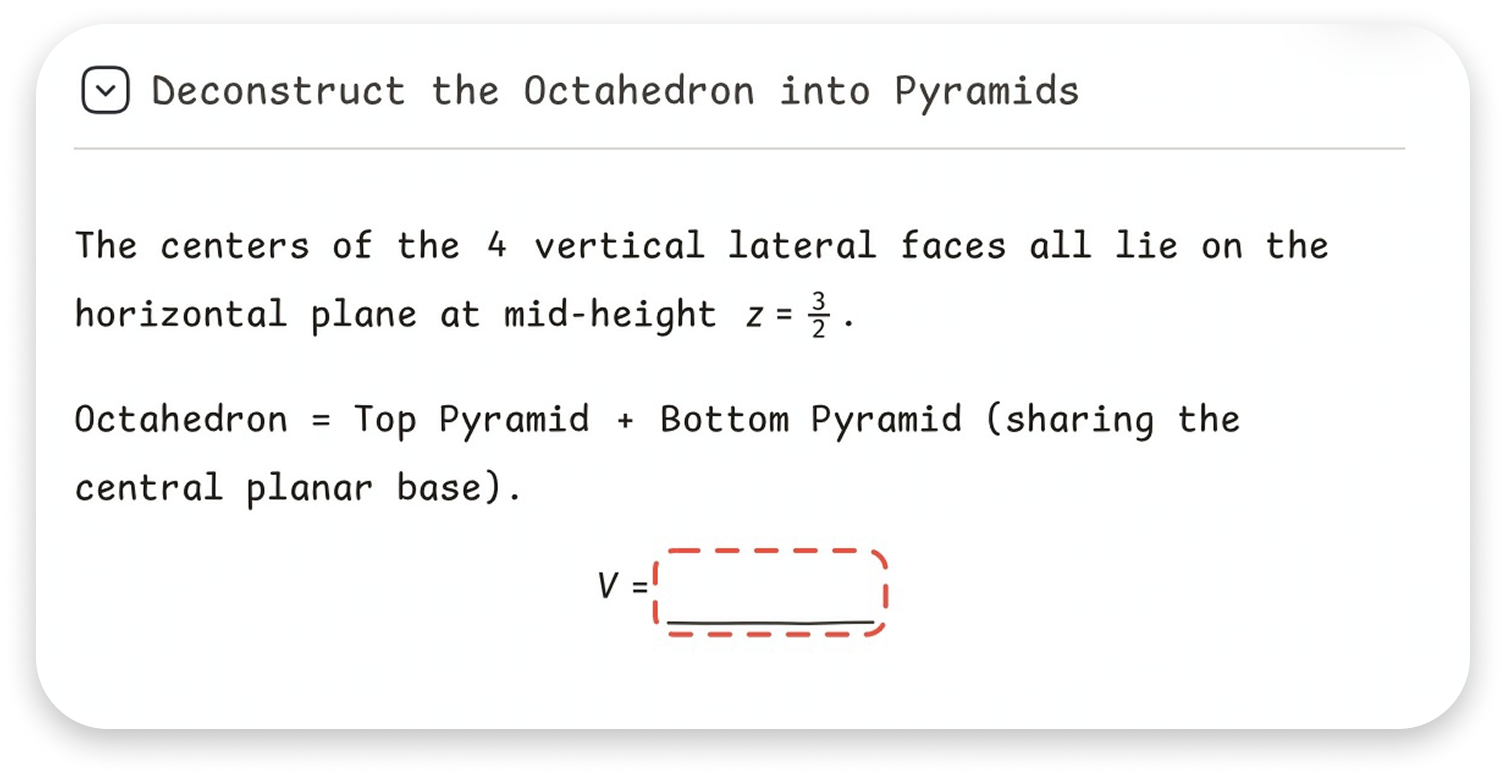
See the Math Take Shape
Turn abstract ideas into clear diagrams, visual relationships, and geometric constructions.
Guidance That Makes You Think
Answer thoughtful questions, receive timely hints,
and understand why each step works.
-
1
Probe
Ask questions to uncover prior understanding
-
2
Diagnose
Identify learning obstacles
-
3
Guide
Provide graduated hints
-
4
Practice
Let the student take the lead
-
5
Verify
Check understanding and transfer to new problems
Show Your Thinking, Your Way
Respond with your voice, text, photos, or handwriting
and learn from your own work.
Real Feedback from Our Users
See how users use MiniBoard to understand every step, solve challenging problems, and build confidence in learning math.

My daughter used to get frustrated whenever she got stuck on a math problem. This app doesn’t just give her the answer—it explains each step in a way she can actually understand. She’s becoming much more confident with math.

I’ve tried other math apps, but most of them only show the final answer. This one explains why each step works, which makes it much easier to learn from my mistakes. It feels like having a tutor whenever I need one.

My son used to say he was “bad at math.” After using this app for a few weeks, he’s more willing to try problems on his own before asking for help. The explanations are clear, friendly, and never overwhelming.

I’ve been using this app to review topics before tests. The step-by-step explanations help me quickly find where I went wrong. A few more advanced practice questions would make it even better, but overall it’s incredibly useful.

I like how the app breaks complicated problems into smaller steps. Instead of feeling lost, I always know what to do next. The interface is clean and easy to focus on, which is a big plus for studying.

Some explanations in my textbook are hard to follow, but this app presents the same ideas in a much simpler way. I especially like being able to review each problem step by step. More daily challenges would make it even better.
READY TO LEARN A DIFFERENT WAY?
Your Next Math Breakthrough
Starts on iPad.
Available on iPad. iPhone is not supported.
Better
questions.
Brighter futures.
Progress
compounds.